Claude Code CLI Agent
A month in with Anthropic's research preview CLI agent — what actually works, what costs you, and why the terminal model changes things for ML engineers.
Anthropic shipped Claude Code about a month ago as a research preview. It’s a CLI agent that lives entirely in your terminal. After using it daily on both local machines and remote GPU servers, I have a clear picture of where it genuinely changes the workflow and where it falls short.
The short version: it’s not a chatbot you paste code into. It’s an agent that can read your codebase, run commands, edit files, and verify its own work — all while asking your permission at each step. That distinction matters more than it sounds.
Installation and Initial Setup#
It’s a Node.js package, so you’ll need npm even for pure Python work:
npm install -g @anthropic-ai/claude-code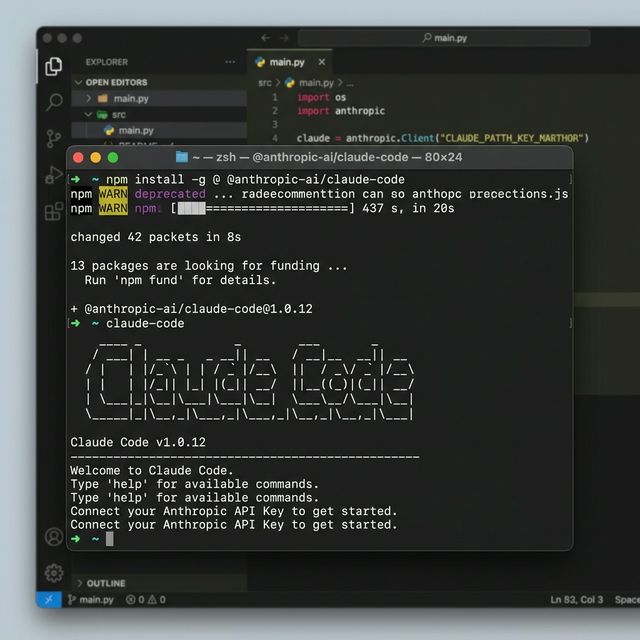
After installing, run claude from your project root. On first run it opens a browser window to authenticate against your Anthropic API account. Claude Code itself is free; the model calls (Claude 3.7 Sonnet) bill against your normal API usage.
The CLAUDE.md File#
Before anything else, create a CLAUDE.md in your project root. This is where you give Claude Code persistent context — your setup commands, directory quirks, how tests run, what not to touch.
# Project Context

## Environment
- Python 3.11, conda env: `ml-env`
- GPU training: always run with `CUDA_VISIBLE_DEVICES=0`
- Tests: `pytest tests/ -v`

## Key Directories
- `data/` — large parquet files, do not modify
- `checkpoints/` — model weights, do not delete

## Sanity check
- `python verify_shapes.py`Without this file, Claude Code re-discovers your project from scratch every session. With it, it knows your environment immediately and stops asking obvious questions.
The Agentic Loop in Practice#
Claude Code’s core model is different from a standard code assistant. Instead of a single response, it runs a Plan → Execute → Verify loop.
When you give it a task, it reads the relevant files first, proposes a plan, then executes changes one step at a time — asking permission before each write or command.
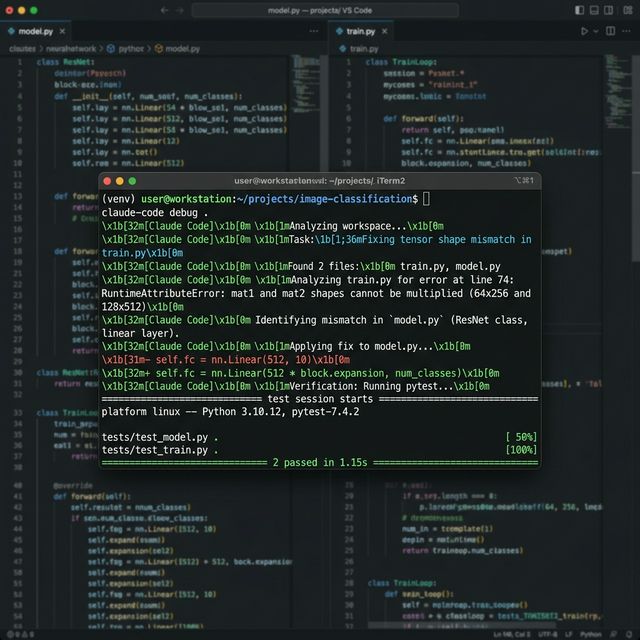
Here’s what a real debugging session looks like. I had a tensor shape mismatch in a PyTorch training script:
> fix the RuntimeError in train.py — shape mismatch on the second forward pass

● Read(train.py, lines 45-89)
● Read(model.py, lines 12-67)

The error is at train.py:72. The linear layer expects (batch_size, 512) but
the LSTM output is (batch_size, seq_len, 512). You need the last hidden state,
not the full sequence.

Proposed change — train.py:72:
  - output = self.fc(lstm_out)
  + output = self.fc(lstm_out[:, -1, :])

Apply this change? [y/n]It didn’t scan everything — it read the two files it needed, identified the specific lines, and proposed a targeted fix. The loop continues: after applying the change, it offers to run your tests.
The Permission System#
Every destructive action requires explicit approval. Claude Code shows you exactly what it’s about to do:
Run command: pytest tests/test_model.py -v? [y/n]
Write to file: model.py? [y/n]This is deliberate design. The tool is built to stay in your loop, not run autonomously. After a month of daily use, this is its biggest strength and occasionally its most frustrating feature — you’re never surprised, but you can’t fully walk away from it.
Running and Fixing Tests#

One workflow that’s become standard: point it at a failing test and let it close the loop.
> pytest tests/test_pipeline.py is failing on test_reranker_empty_input, fix it

● Run(pytest tests/test_pipeline.py::test_reranker_empty_input -v)
  [1 failed] AssertionError: Expected [], got None

● Read(reranker.py, lines 85-102)

The reranker returns None when input is empty instead of an empty list.
The test correctly expects []. Missing guard clause.

Proposed change — reranker.py:89:
  + if not chunks:
  +     return []

Apply this change? [y/n]Run test → read failure → read source → propose fix. What used to be 10 minutes of tab-switching is now one command.
Working with Complex ML Architectures#
The most impressive use case isn’t fixing bugs — it’s understanding large systems.
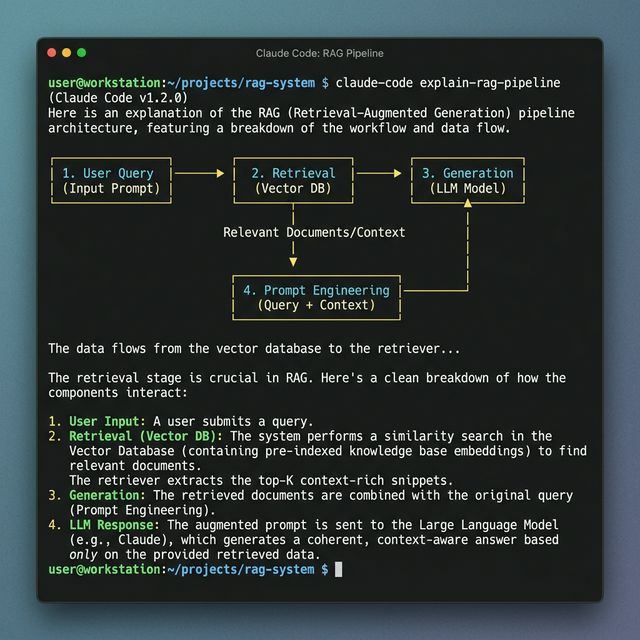
I asked it to trace the data flow through a multi-stage RAG pipeline spread across six files. It read all six, then returned a precise description with file and line references:
> explain how a query gets from user input to final LLM response

● Read(embedding_service.py, retrieval.py, reranker.py,
        context_builder.py, generator.py, pipeline.py)

Query enters at pipeline.py:34:

1. EmbeddingService.encode()  [embedding_service.py:18]
   query → 1536-dim vector via text-embedding-3-small

2. ChromaRetriever.search()   [retrieval.py:42]
   vector → top-50 chunks by cosine similarity

3. CrossEncoderReranker.rerank()  [reranker.py:89]
   50 chunks → top-5 by relevance score

4. ContextBuilder.build()     [context_builder.py:15]
   5 chunks → formatted context string with citations

5. Generator.complete()       [generator.py:67]
context + query → final responseThis kind of grounded, file-specific explanation takes 20 minutes to produce manually. It took seconds.
Why Terminal-First Matters#
Most AI coding assistants are IDE plugins or web interfaces. For local work, that’s fine. But a significant portion of ML engineering happens on remote GPU servers over SSH — where sidebars and browser extensions simply don’t work.
Claude Code works identically over SSH. Install it on the remote server, run claude in your project directory, and you get the exact same experience. In a tmux session you can have a training run in one pane and Claude Code debugging a data preprocessing issue in another.
This is the real differentiator. Not model quality — 3.7 Sonnet is excellent everywhere — but the deployment model. Terminal-first means genuinely portable, in a way that sidebar tools can’t match.
The Real Cost: Tokens#
Claude 3.7 Sonnet is priced at 15/million output tokens. A session where Claude Code reads several large files, iterates on a fix, and runs tests multiple times can easily cost $1-3 in an afternoon without you noticing.
Two commands help:
/compact— compresses the current context window, keeping the essential history but dropping raw file reads you’ve already acted on. Use this between tasks in a long session./clear— starts completely fresh. Use this when switching to an unrelated problem.
One Month In: The Honest Take#
Claude Code makes mistakes. It occasionally misreads your directory structure, and sometimes the fix it proposes requires more back-and-forth than just writing it yourself. Token costs are real and require active management.
But the feedback loop — from problem description to working, tested code — is meaningfully faster than anything else I’ve tried for ML debugging and refactoring. The permission system keeps you from surprises without removing your agency. The terminal-first design is the right call for this kind of work.
It’s still a research preview and it shows: there’s no persistent memory across sessions beyond CLAUDE.md, no project-level history, and cost management is entirely manual. These are solvable problems. The core loop is already worth using daily.